Correct a word, swap an example, add a chapter. The next reader opens the new version.
Sell the living book as a digital copy, or give it away and build a list of readers who chose to hear from you.
Only readers who opted in to hear from you ever appear, on screen or in the file.
Any group as a CSV for your mailing tool, on Studio
Updates and editions
Change a word. Your readers see what changed.
Publish a free update for a correction, or a new edition when you add real new content. Readers find a What's new note in the book, with the changes highlighted.
Corrections and small updates are free for every reader
A new edition with new chapters can be a paid upgrade, from 1.00 to 9.99 in your book's currency
A What's new note in the reader, with the changes highlighted
New edition · Edition 2
+Chapter 7 addedThe last ten days
2 corrections
Publish
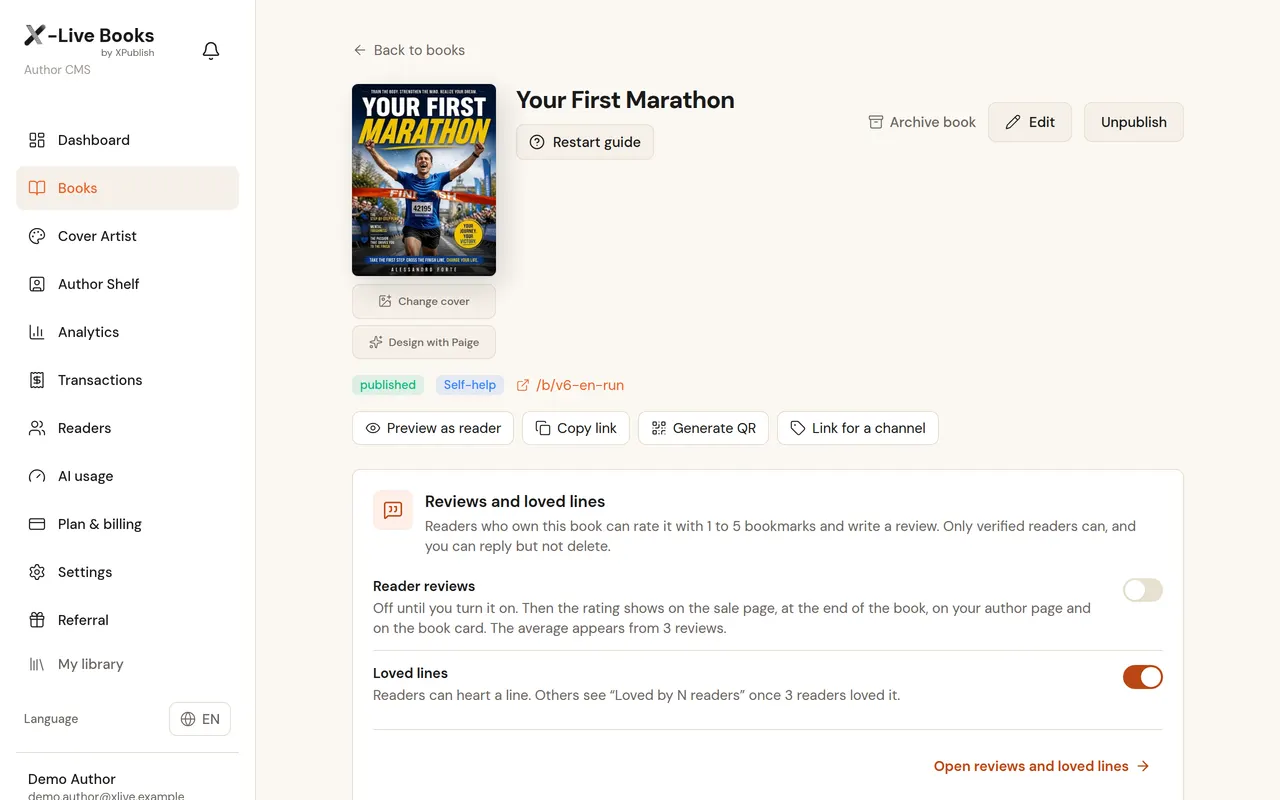
Your First Marathon
What's newChapter 7 added: The last ten days
Contents
1Race Day
2The right shoes
3The first month
7The last ten daysNew
Your book is already written. Let it keep working.
Update a book and the readers who own it find the news inside it. A reader reviews it or loves a line, and you see it in your notifications.
For readers: updates, new editions and your replies to their reviews
For you: new reviews and the lines your readers love
Each one can be switched off
Update published
+Chapter 7 added: The last ten days
Notifications
Your First Marathon has been updatedChapter 7 added: The last ten daysnow
The author replied to your review of Your First Marathon«Thank you! See you at the start line.»2 h
For your readers
Your book travels with the reader.
Readers add X-Live to their Home screen and open your book with one tap. Once they own it, they can save it to the phone and keep reading on a plane, on a train, wherever the signal drops.
On the Home screen like an app, installed straight from the browser
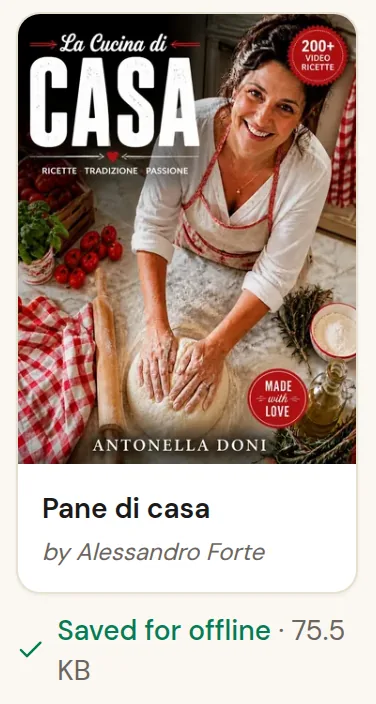
Saved books open offline: the text, your audio and your videos
Live Mode reopens the book at the chapter they were reading
When you publish an update, they find it in the book's notifications
9:41
X-Live
Questions
What happens when I change a chapter?
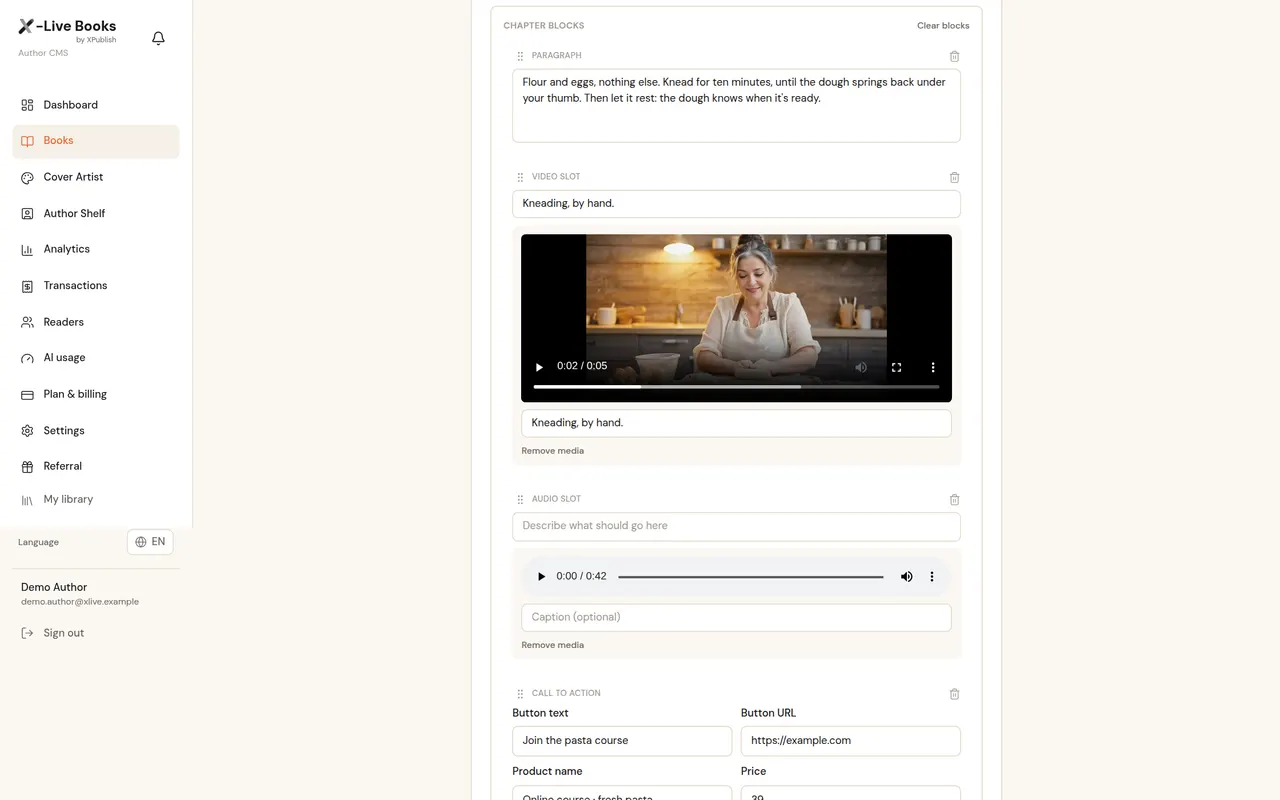
The next reader opens the new version. Correct a word, swap an example, add a chapter.
Who can I write to?
Only readers who opted in to hear from you: they are the only ones who appear, on screen or in the file.
Can I use my own email tool?
Yes: any group exports as a CSV for your mailing tool, on Studio.
Studio plan access, no subscription: every feature, with the normal monthly Studio AI credits (not unlimited)
1:1 mentorship with Tommaso: 1 kick-off call (60 min) + 3 review calls (30 min) — 2.5 hours at his USD 350/hour consulting rate: USD 875 value, included
Your first living book built with you: message support for 60 days from purchase and a final review before you publish
The Founding Author badge on your public author page
7-day free trial, then a 7-day money-back guarantee on your first payment. The money-back guarantee does not apply to Founding Author. Plans are per account, not per seat.
Prices in euros, VAT included. You can pay in your local currency at checkout.